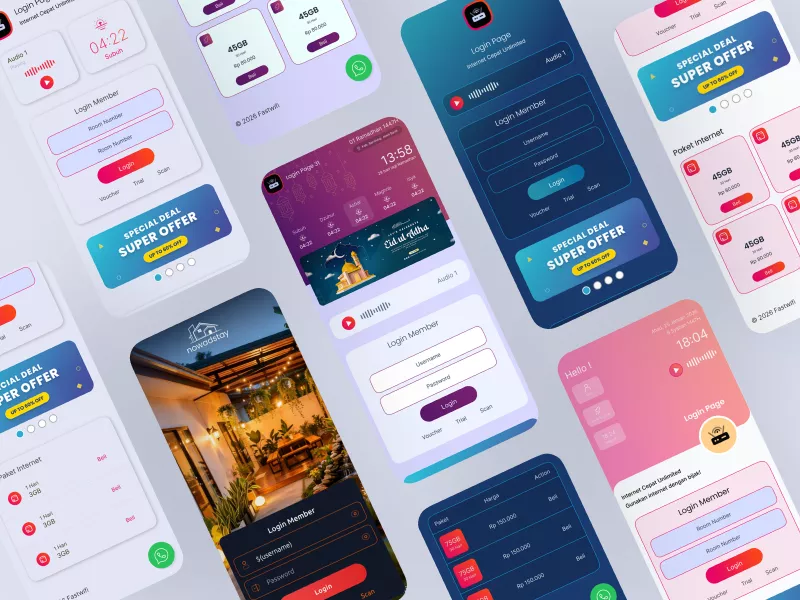
Responsive MikroTik Hotspot Login Pages
A MikroTik hotspot login page is the authentication gateway shown when users connect to a WiFi network. With a custom login page, network owners can display branding, advertisements, service information, and integrated voucher or trial systems tailored to their business needs.
Modern & Flexible Design
Featuring a clean and minimalist aesthetic, these MikroTik login templates are suitable for a wide variety of locations.
Perfect for Every Sector:
- WISP & Local ISPs (Wireless Internet Service Providers)
- Schools & University Campuses
- Cafes, Restaurants & Lounges
- Offices & Coworking Spaces
- Hotels & Hospitality
- Mosques & Religious Centers
Not recommended for:
- Users with zero MikroTik knowledge
- Users looking for configuration services only
- Users intending to resell the files without permission
Lightweight & Easy to Customize
Built with lightweight HTML and CSS, the appearance can be easily modified: change the logo, colors, text, and business identity to match your requirements.
Custom hotspot login templates offer unique features that can enhance your brand image or Wi-Fi project. One of the main advantages is the customizable design. You can effortlessly align the login page with your branding or personal preferences.
With these templates, you don't need to spend time and effort designing from scratch. You can choose from various layouts that have been visually and functionally optimized.
Furthermore, these HTML templates provide seamless integration with MikroTik hardware. This allows you to easily connect the login page to your MikroTik router without requiring deep technical expertise. These templates are specifically designed to work optimally with RouterOS, ensuring the security and performance of your Wi-Fi network.
Security is a top priority, and our MikroTik templates offer enhanced security features. By choosing a trusted template, you can provide a safe browsing experience for your Wi-Fi users.
🎨 Style Settings (Color Customization)
Our hotspot templates come equipped with style customization features, allowing you to change the color scheme to suit your taste and branding needs.
With this feature, you can:
- Change the primary color of the login page
- Match colors with your brand or location identity
- Keep the login page looking fresh and modern
No need for a complete redesign. Simply adjust the colors, and the look changes instantly.
Who is this for?
- Users who want a more personalized hotspot experience
- Admins tired of static, boring login pages
- Resellers looking to customize colors for different sites (within license terms)
One template, multiple looks. Practical, flexible, and lightning-fast 🚀
Here are some examples of modern and responsive MikroTik hotspot login templates:
Follow the Login Page Mikrotik channel on WhatsApp:
https://whatsapp.com/channel/0029VbCE5TK1yT2BAvfe1O12
MikroTik Hotspot Login Page Design
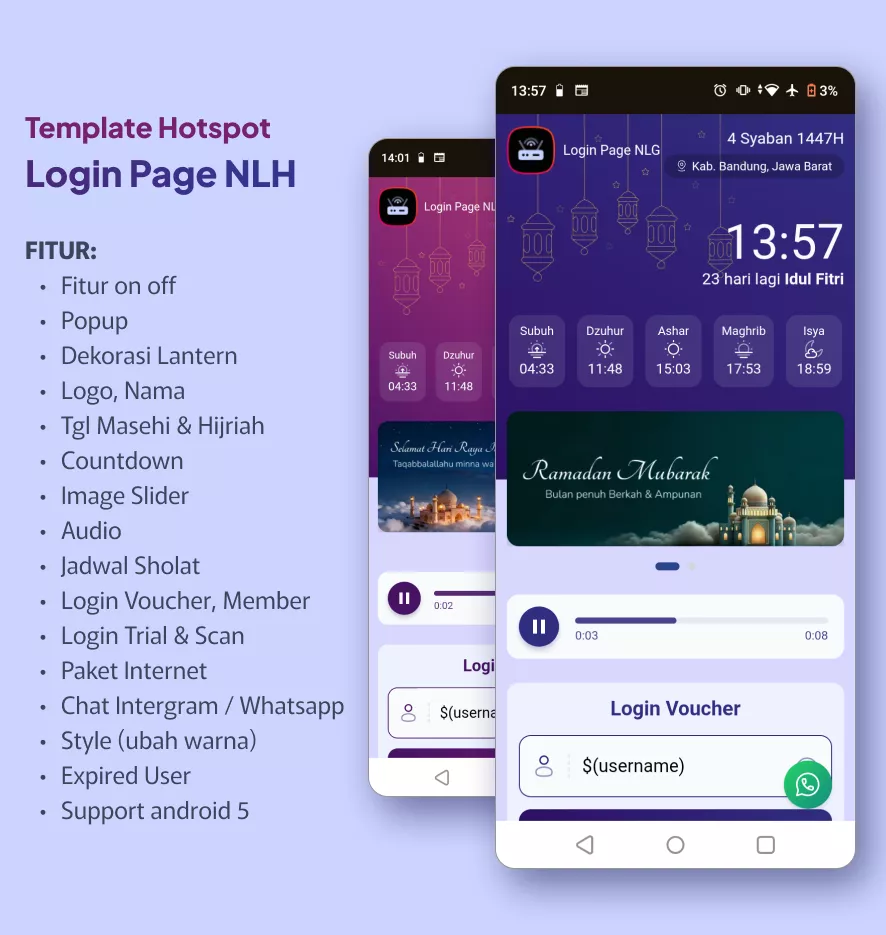
Login Page NLH
Themes: Ramadan, Eid Al-Fitr, Eid Al-Adha
Includes login files and a customization guide. Preview: https://eriksanjaya.com/login-page-nlh/doc/
Link:
View Login Page NLH
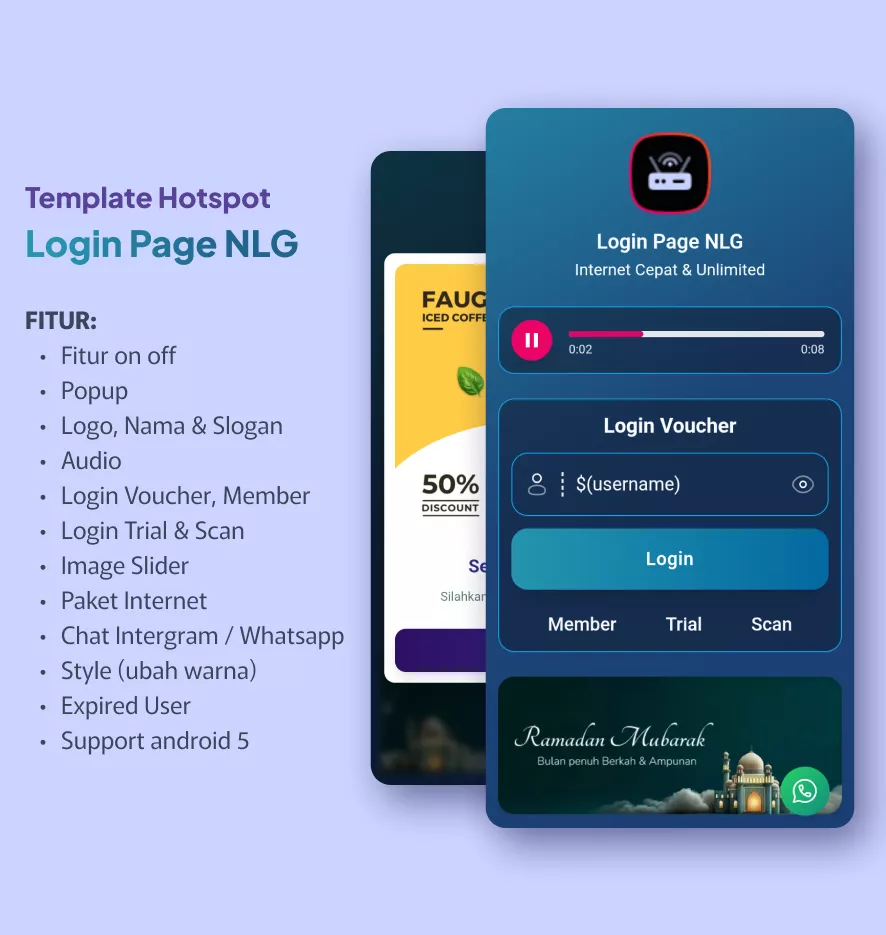
Login Page NLG
Includes customization guide. Preview: https://eriksanjaya.com/login-page-nlg/doc/
Link:
View Login Page NLG
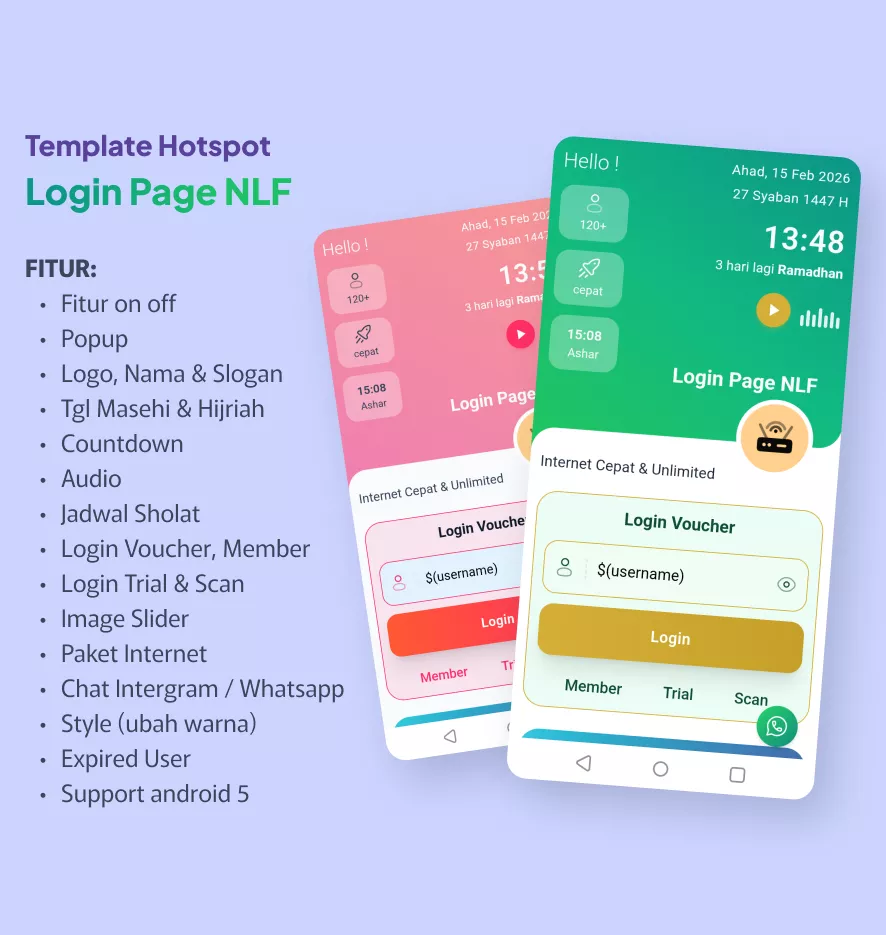
Login Page NLF
Includes customization guide. Preview: https://eriksanjaya.com/login-page-nlf/doc/
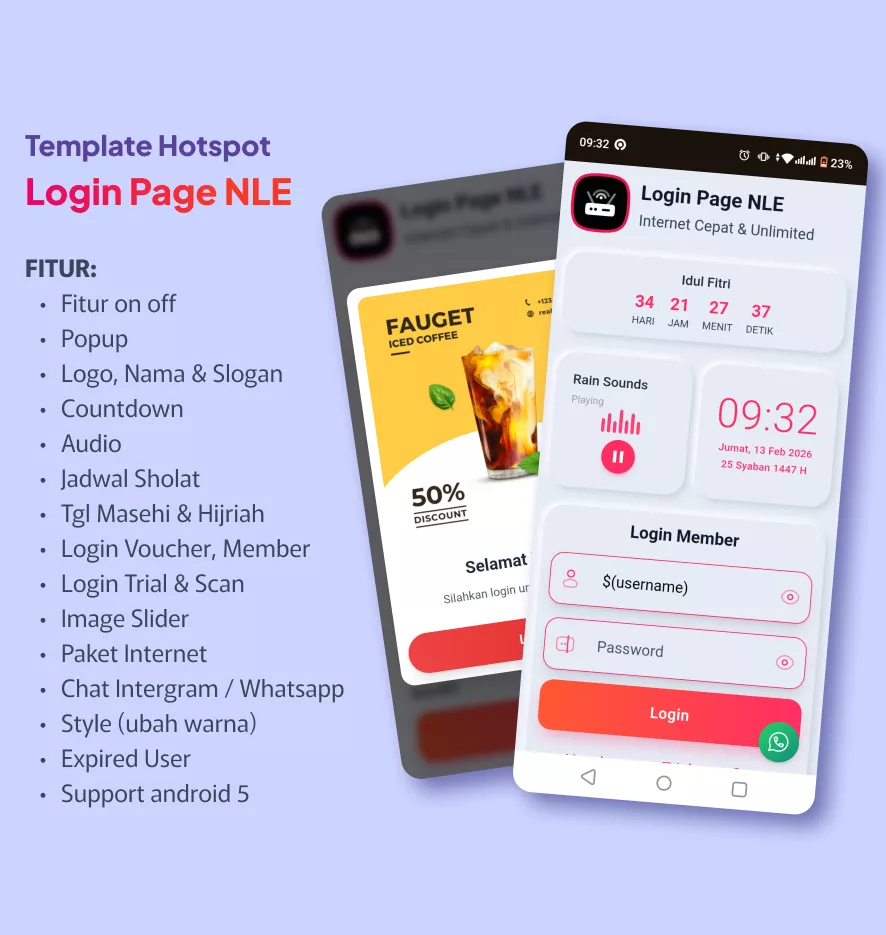
Login Page NLE
Includes customization guide. Preview: https://eriksanjaya.com/login-page-nle/doc/
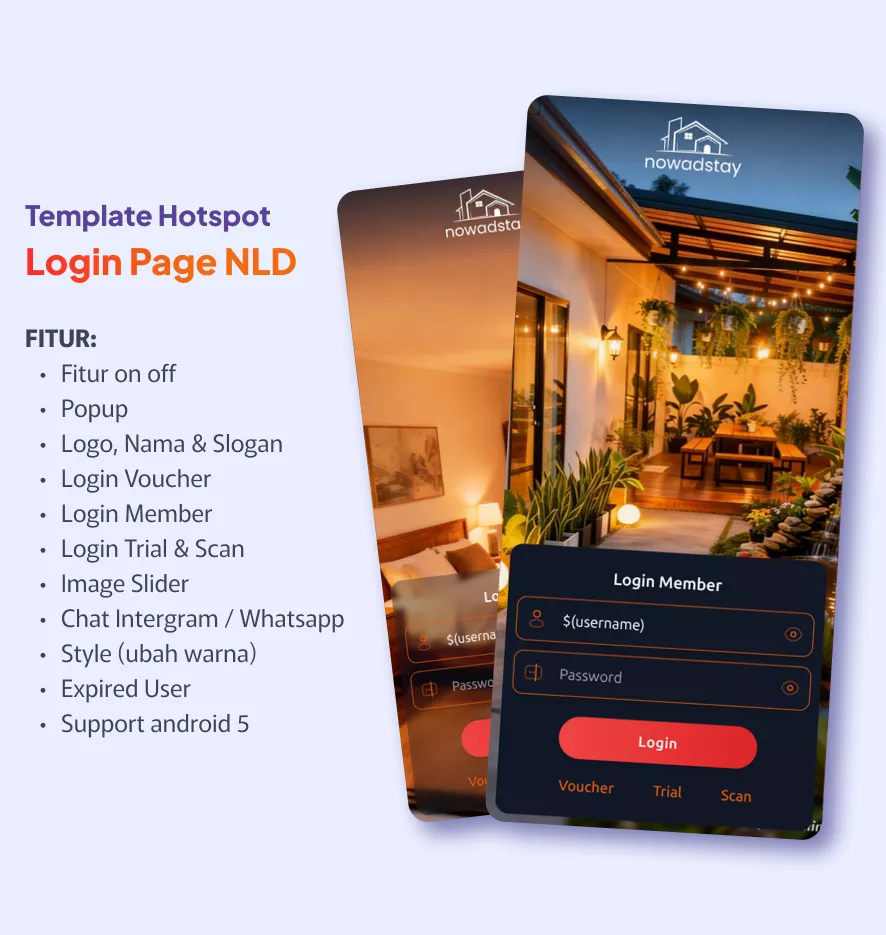
Login Page NLD
Includes customization guide. Preview: https://eriksanjaya.com/login-page-nld/doc/
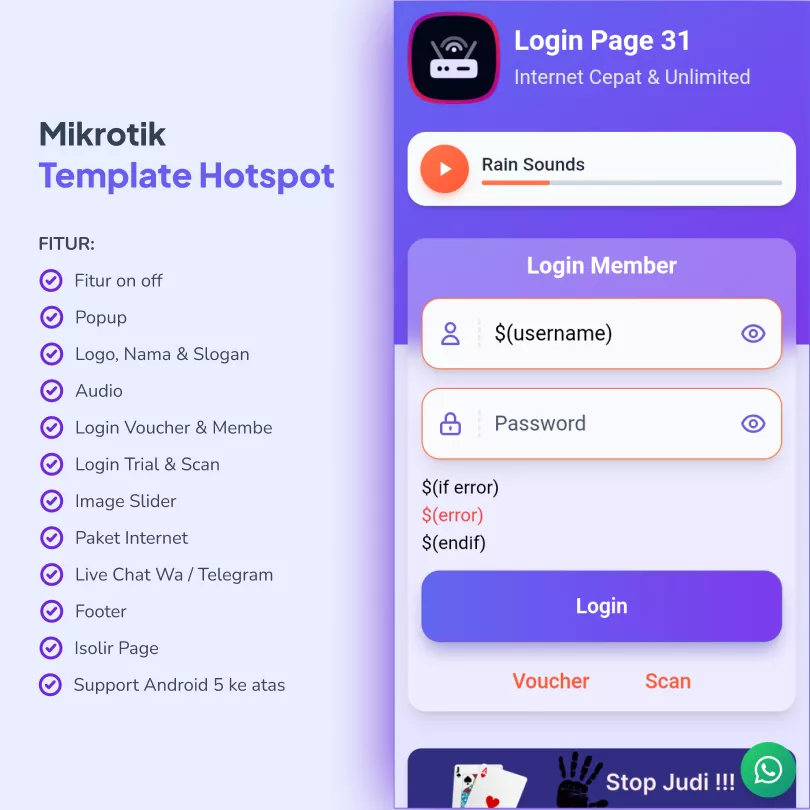
Login Page 31
Includes customization guide. Preview: https://eriksanjaya.com/login-page-31/doc/
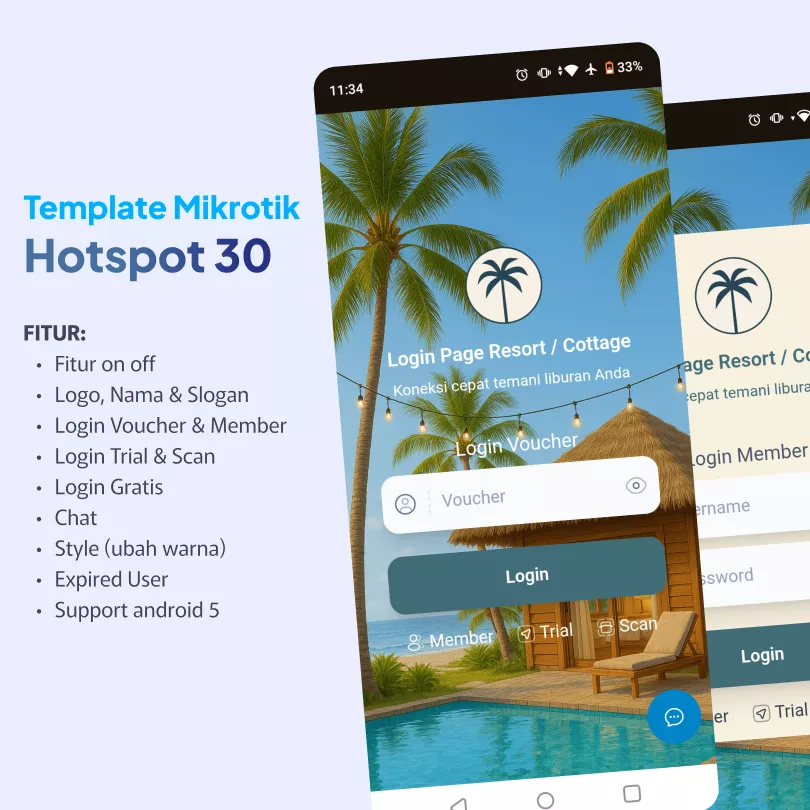
Login Page 30
Login Page 29
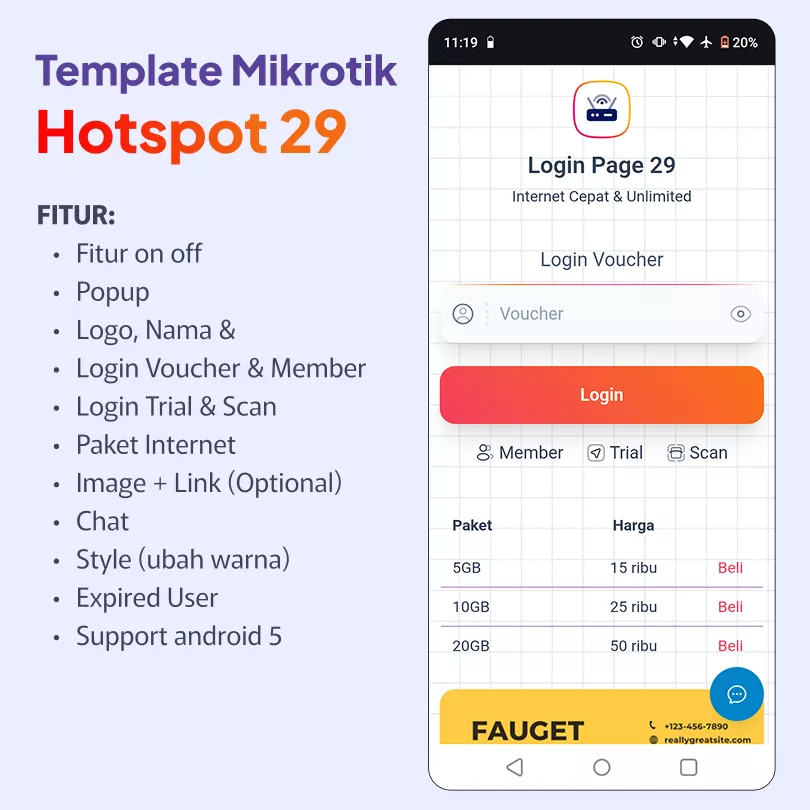
Login Page 28
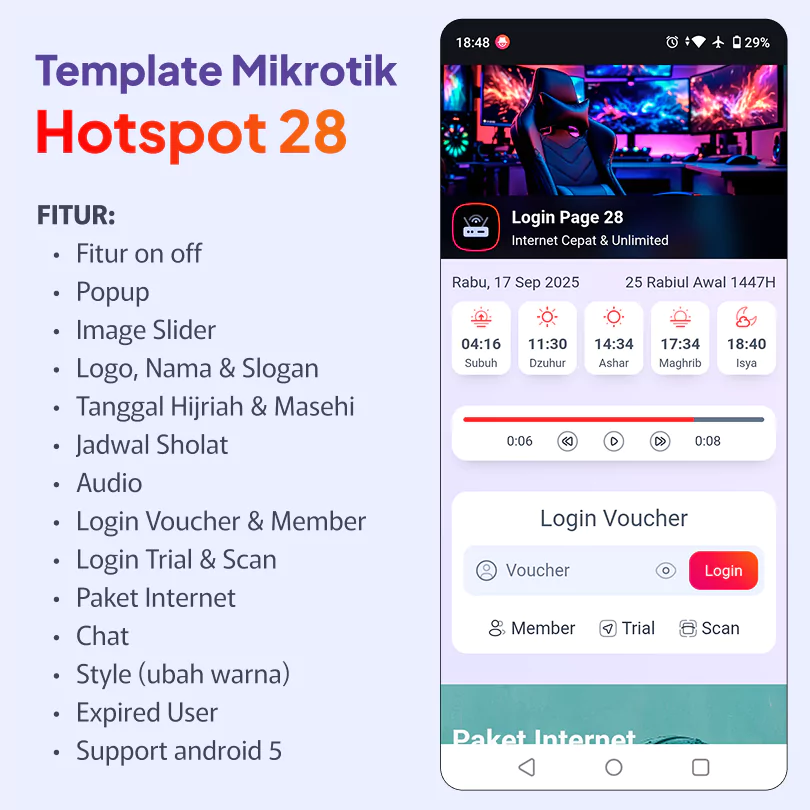
Login Page 27
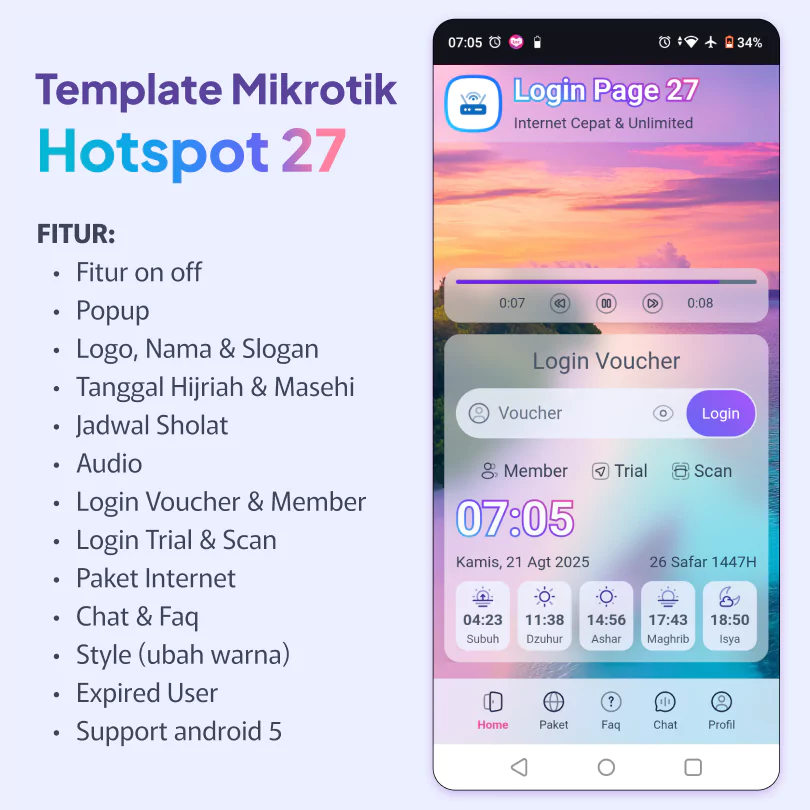
Login Page 26
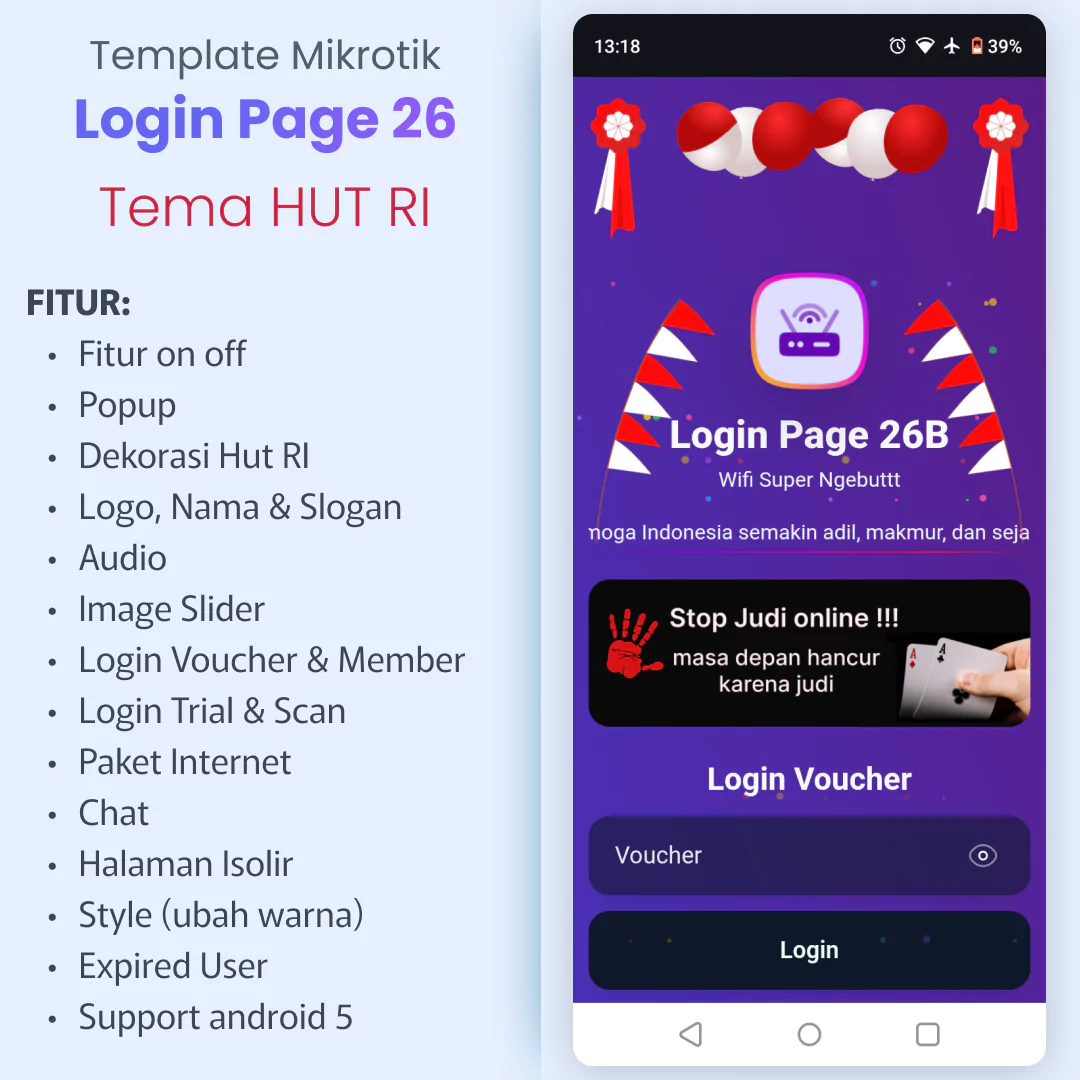
Free Premium MikroTik Hotspot Template
Download link captive portal free: https://eriksanjaya.com/login-page-26-free/
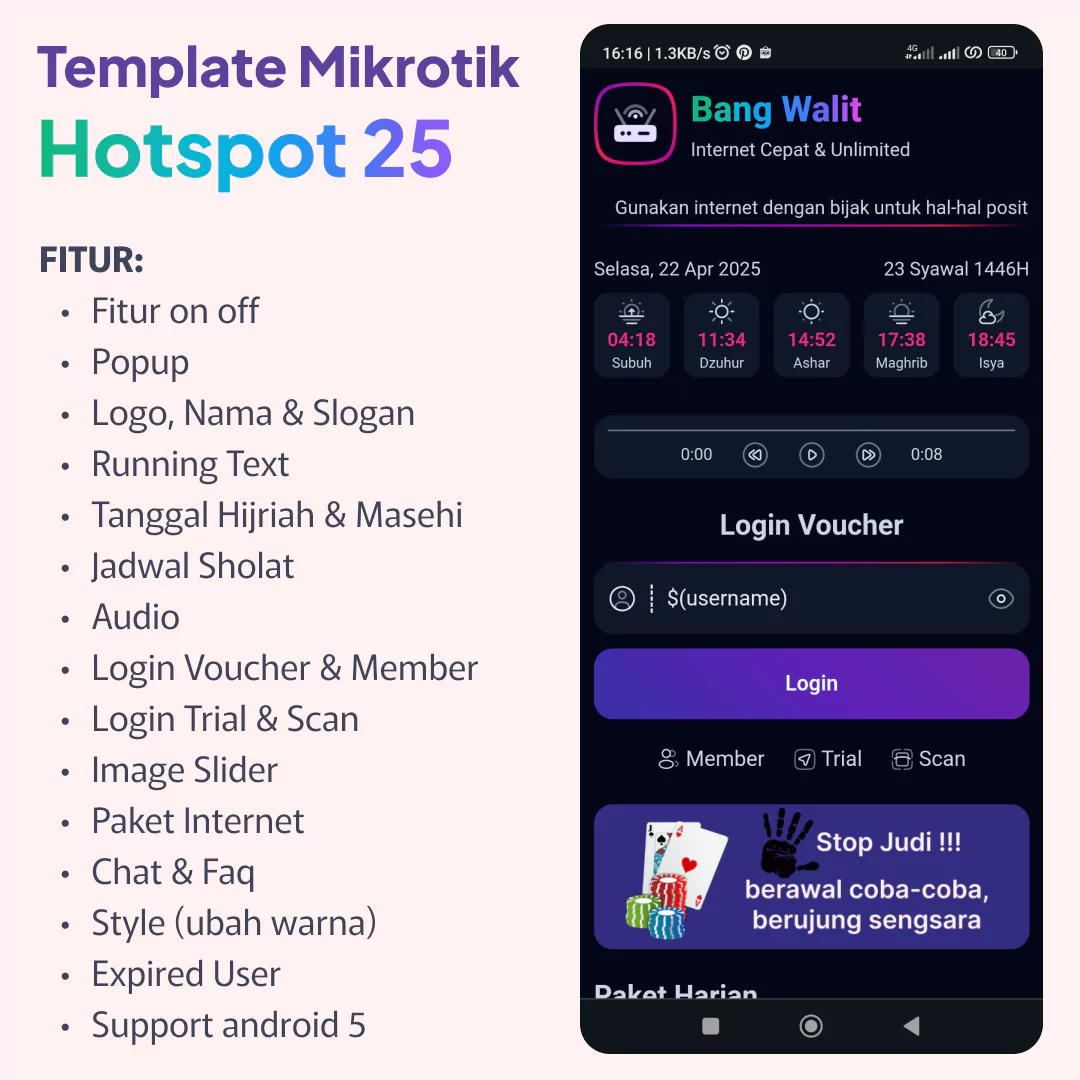
Login Page 25
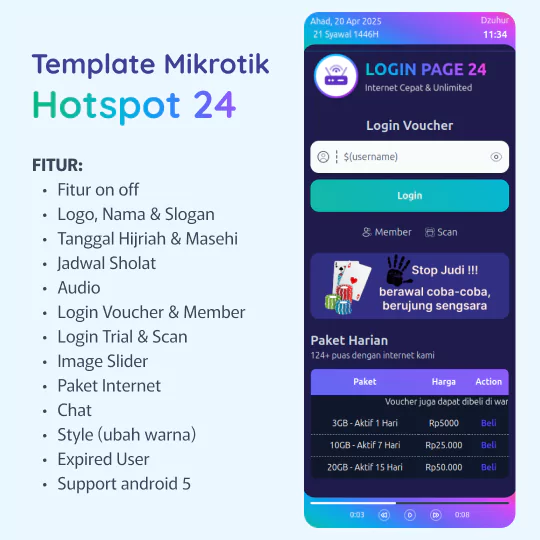
Login Page 24
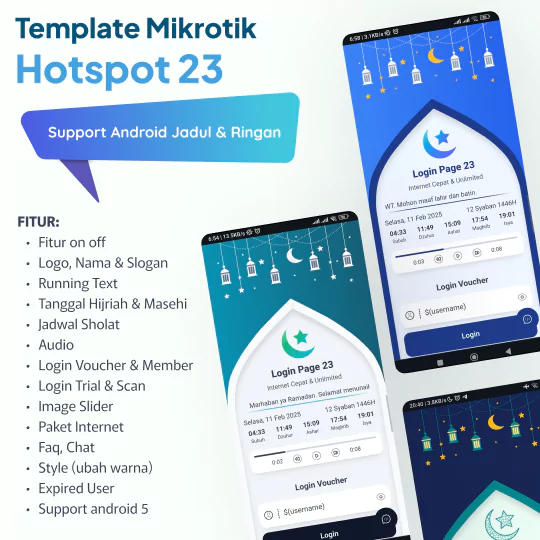
Login Page 23
Optimized for Religious Centers with automated prayer times and announcement ticker. Supports voucher and trial login.
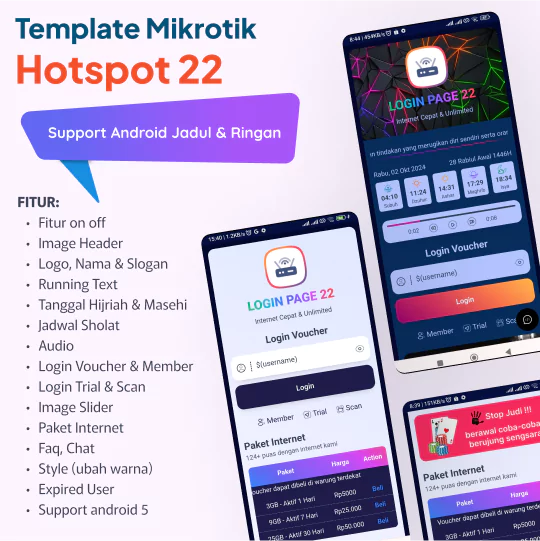
Login Page 22
Login Page 21
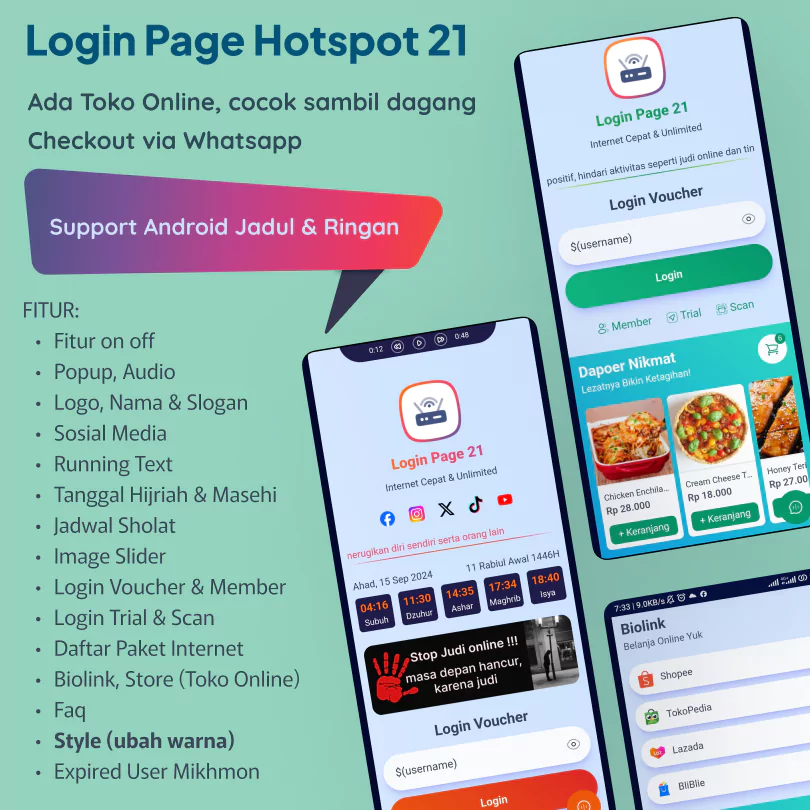
Login Page 20
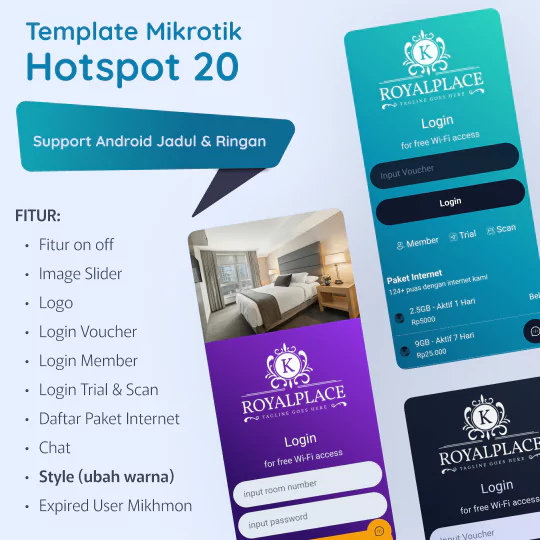
Login Page 19
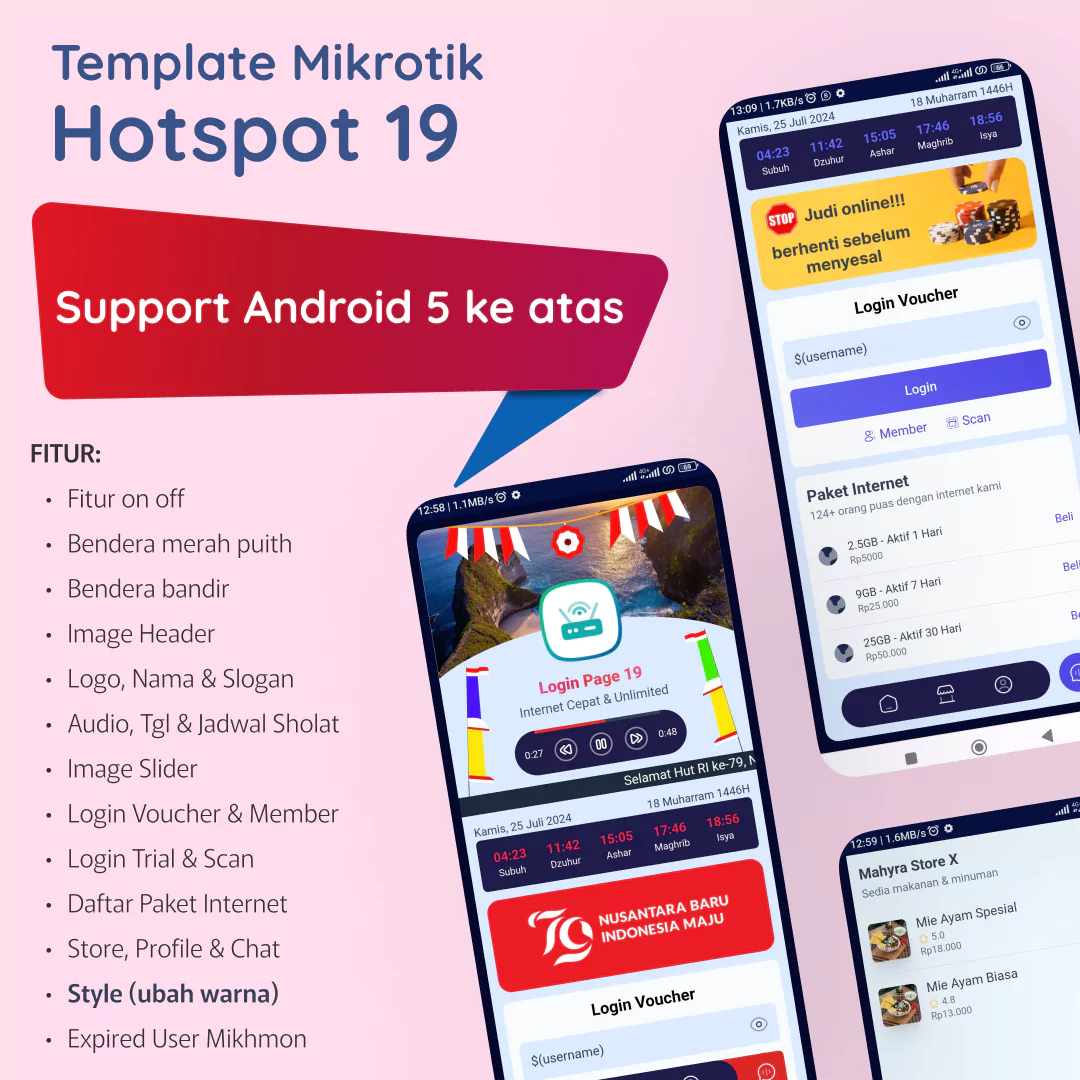
Login Page 18
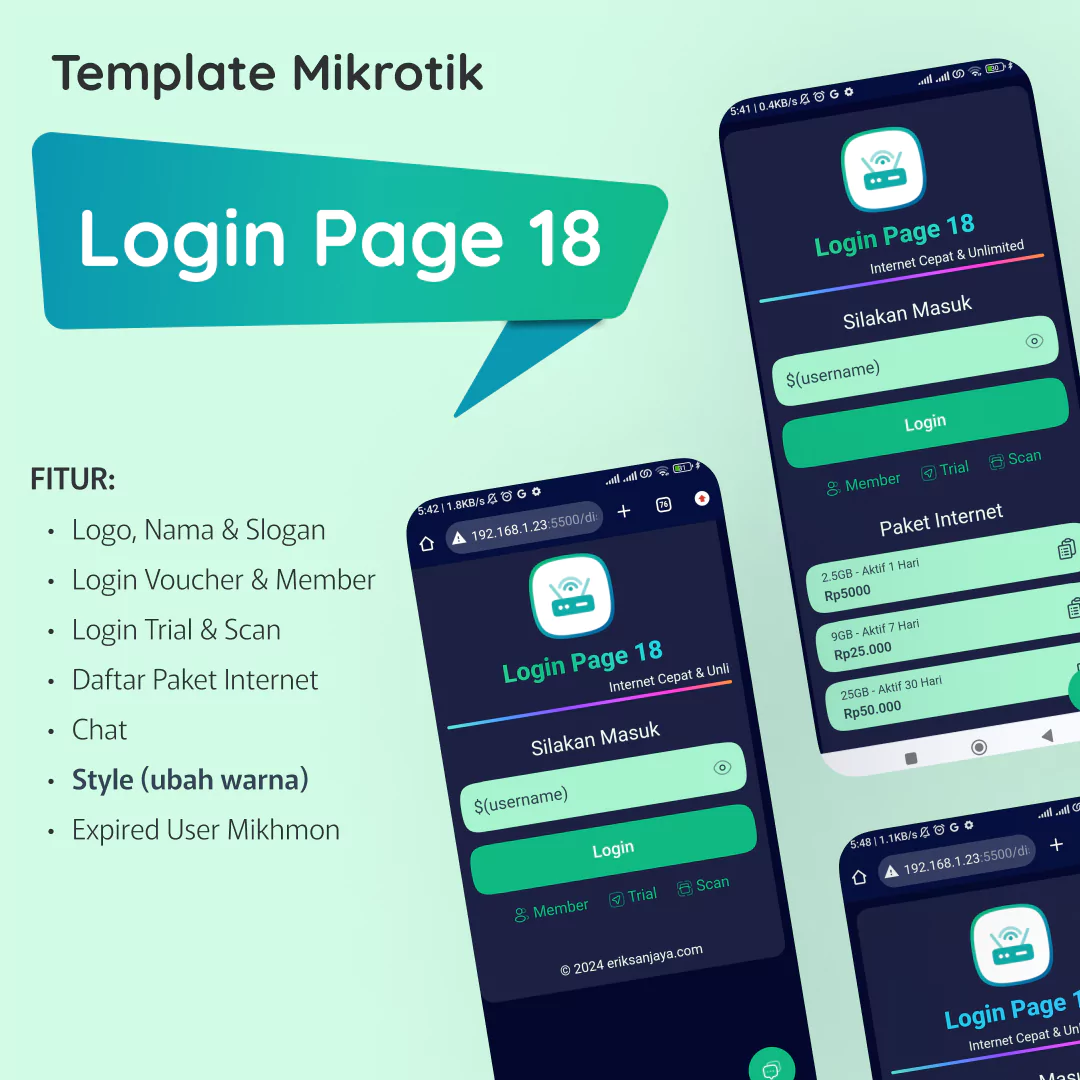
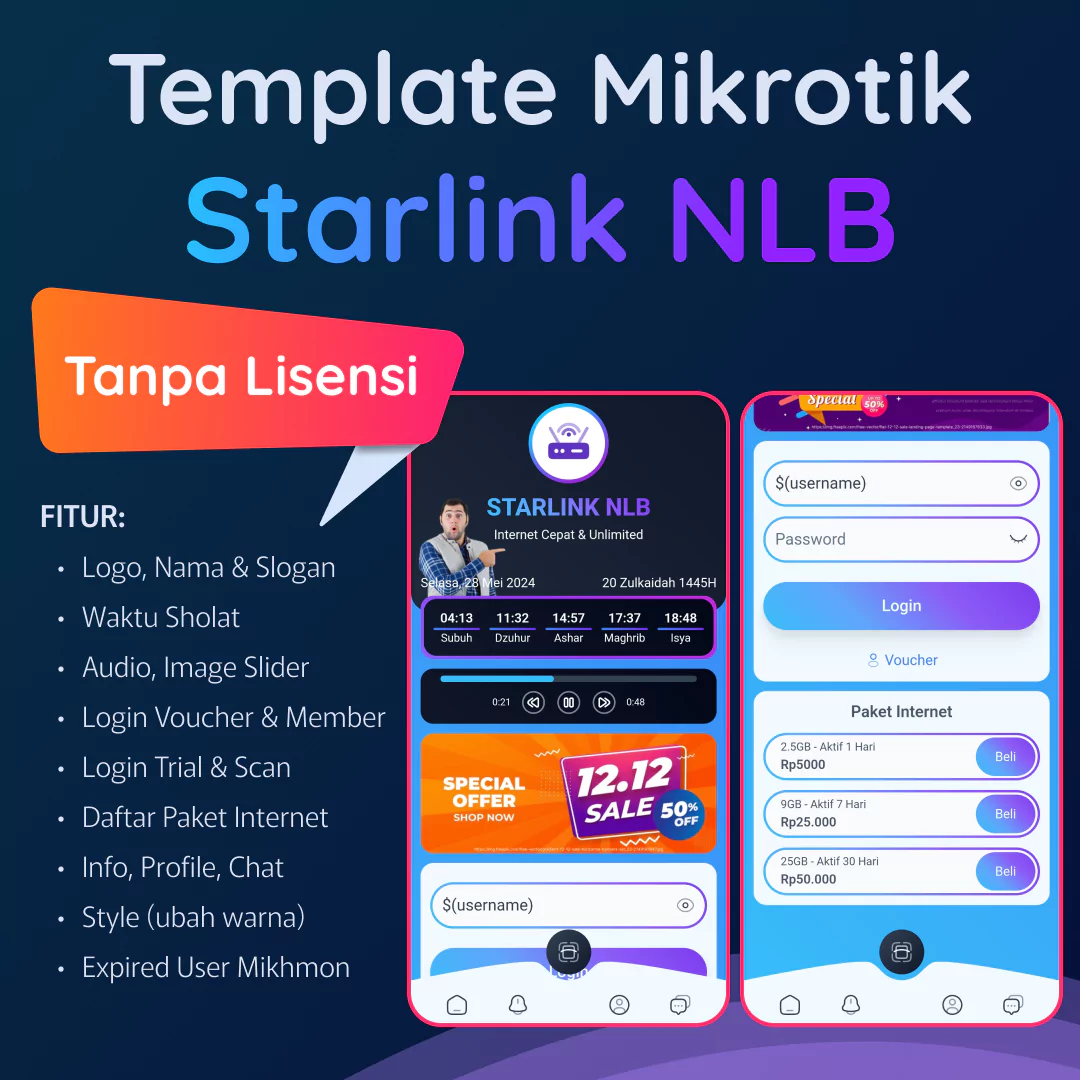
Login Page NLB
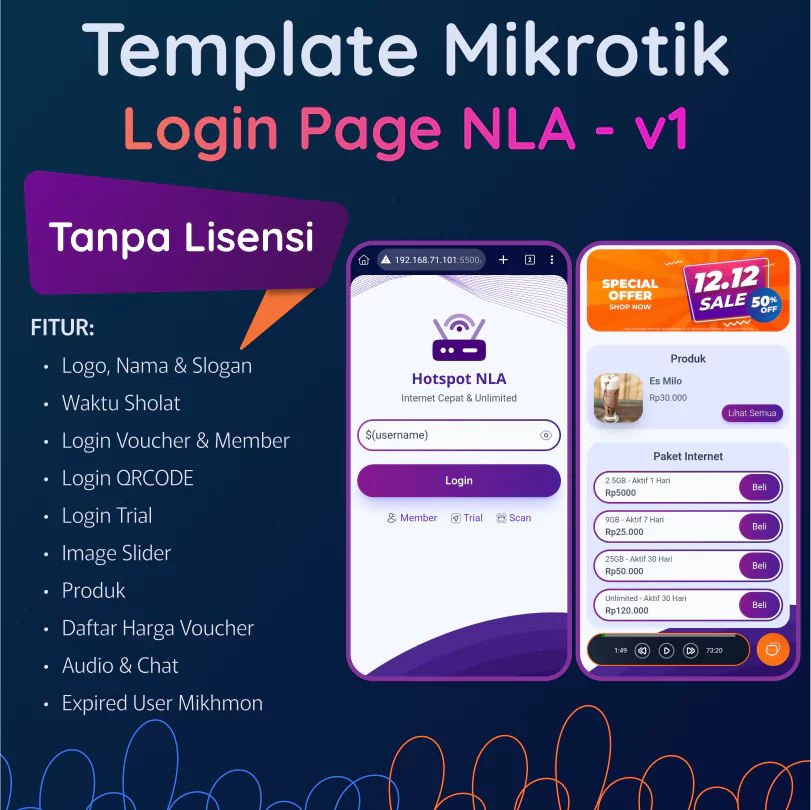
Login Page NLA
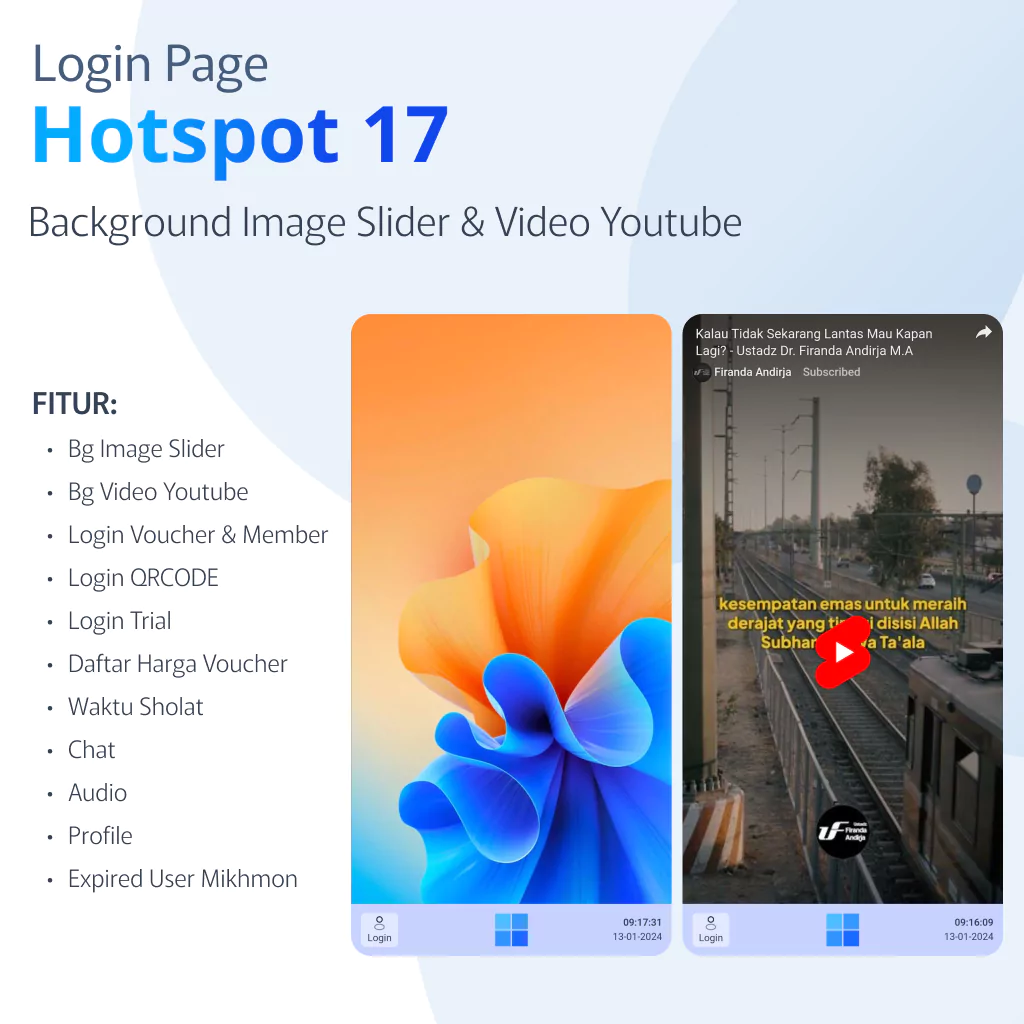
Login Page 17
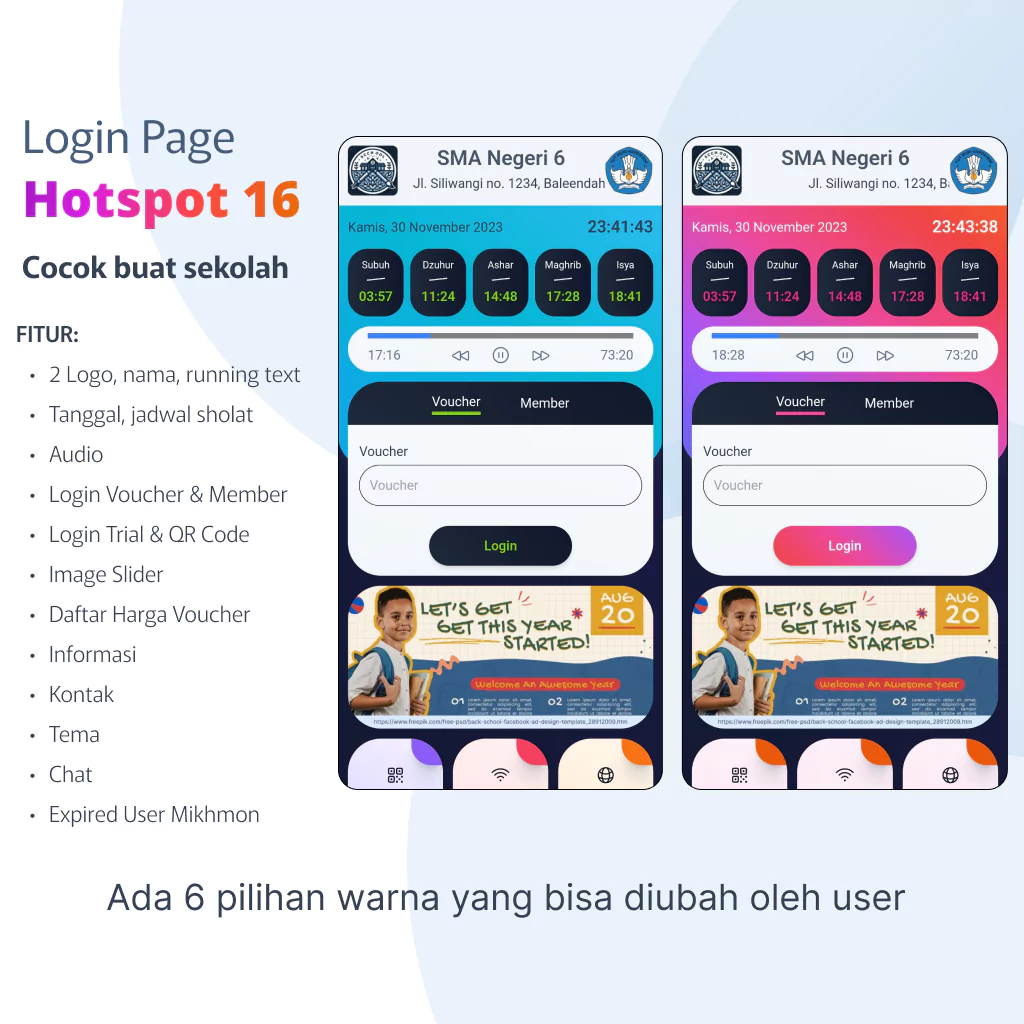
Login Page 16
Login Page 15
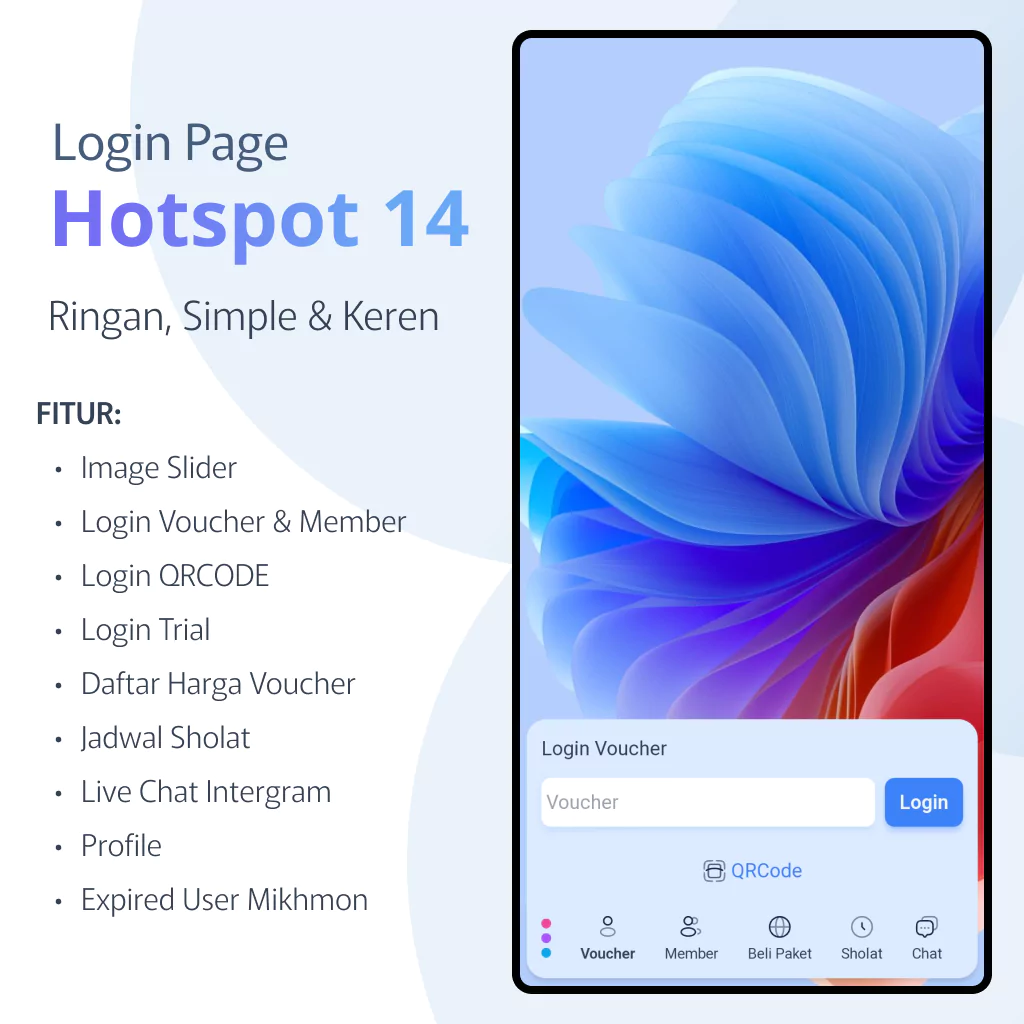
Login Page 14
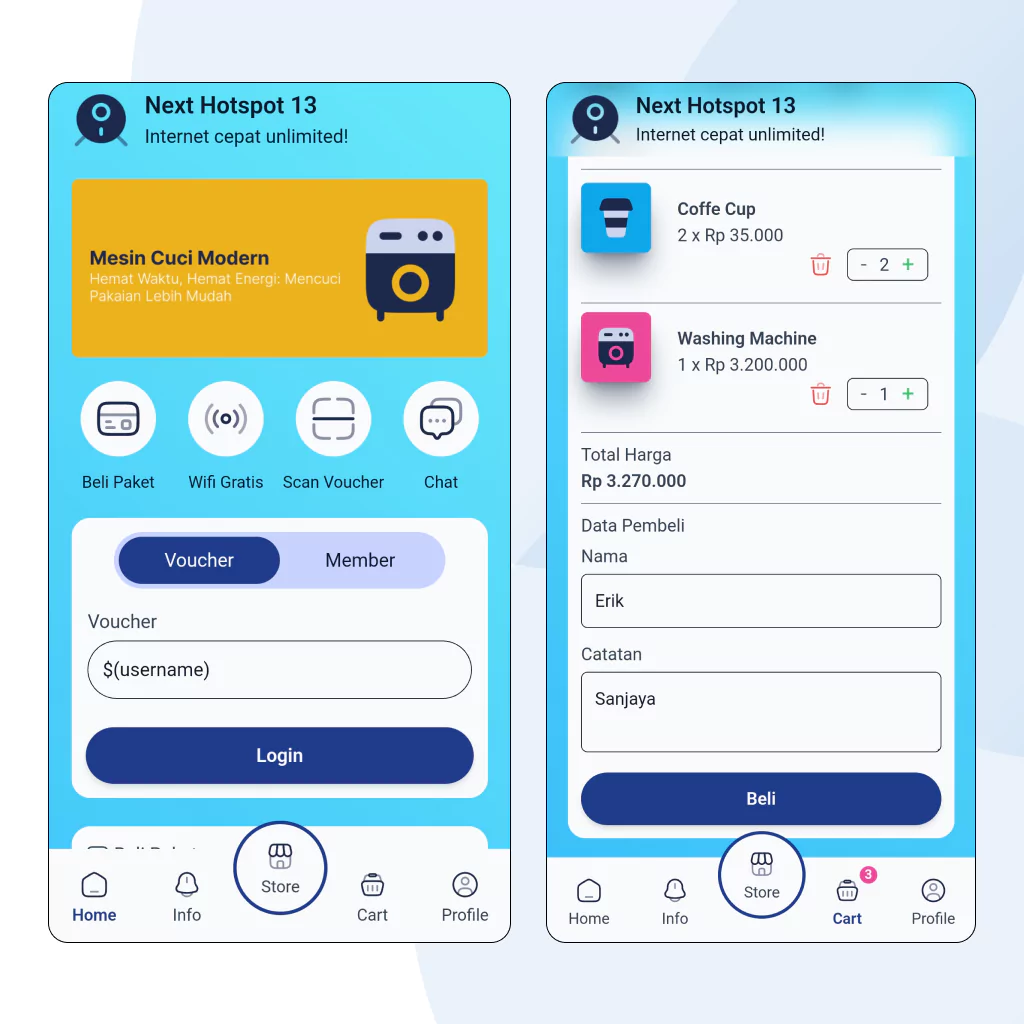
Login Page 13
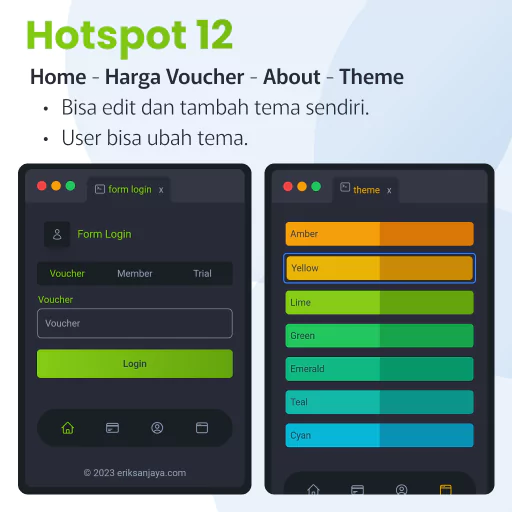
Login Page 12
Login Page 10
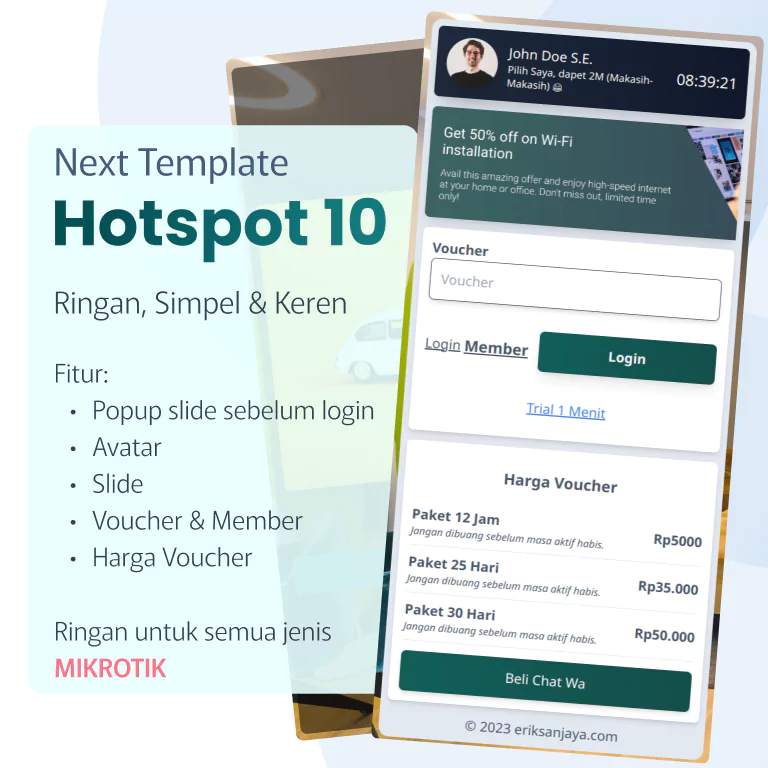
Login Page 09
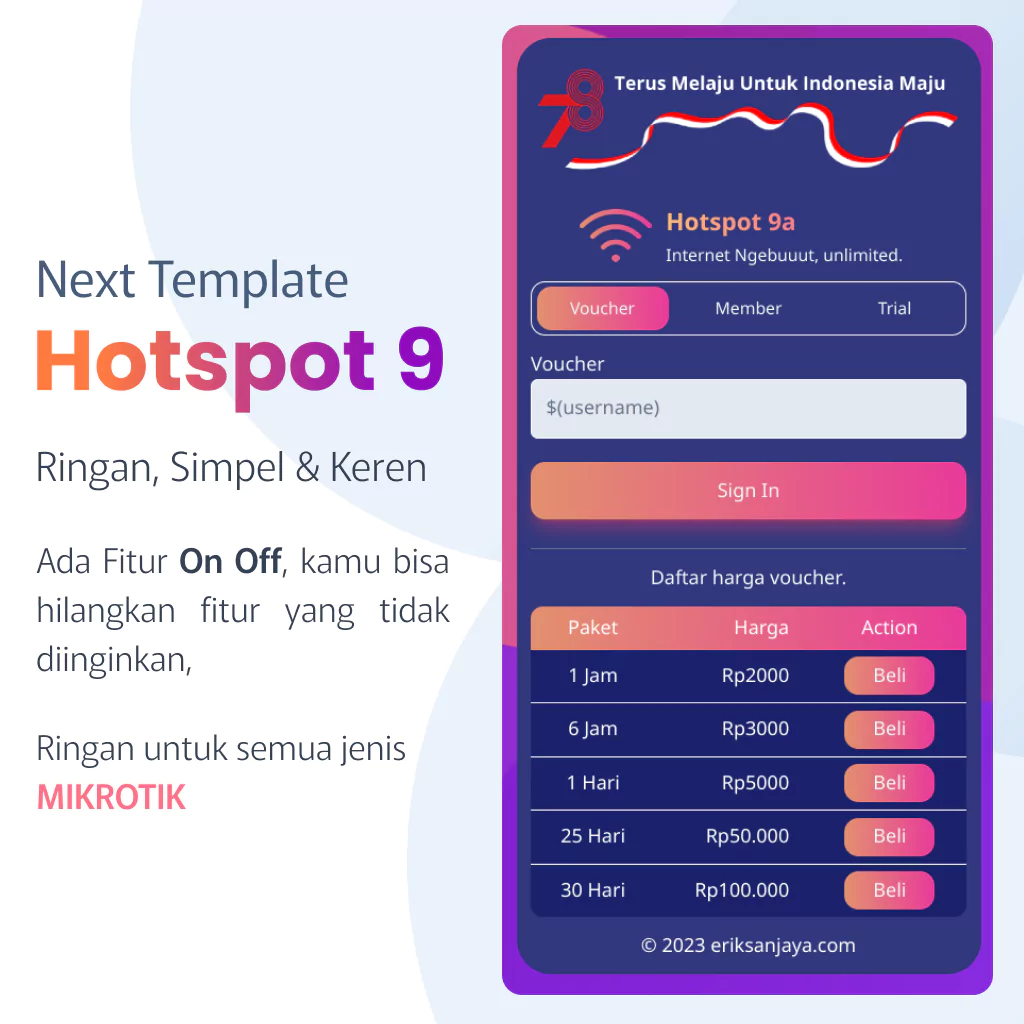
Login Page 08
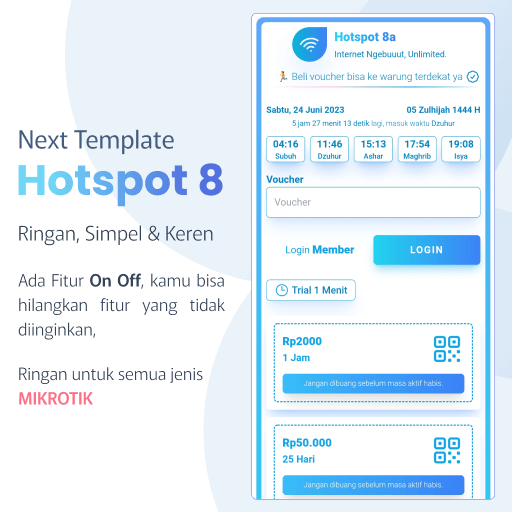
Login Page 07
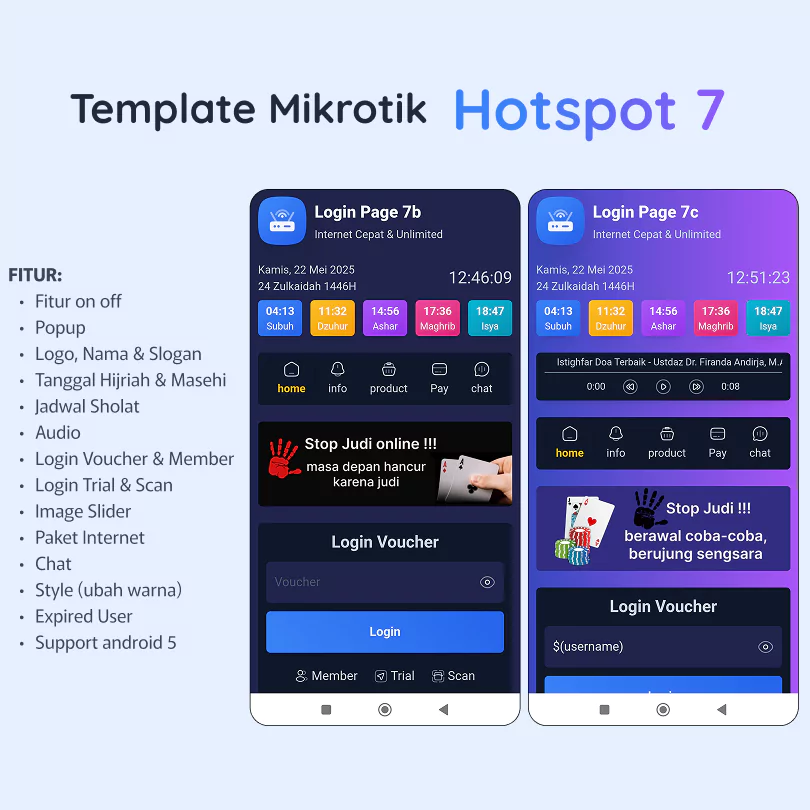
Login Page 05
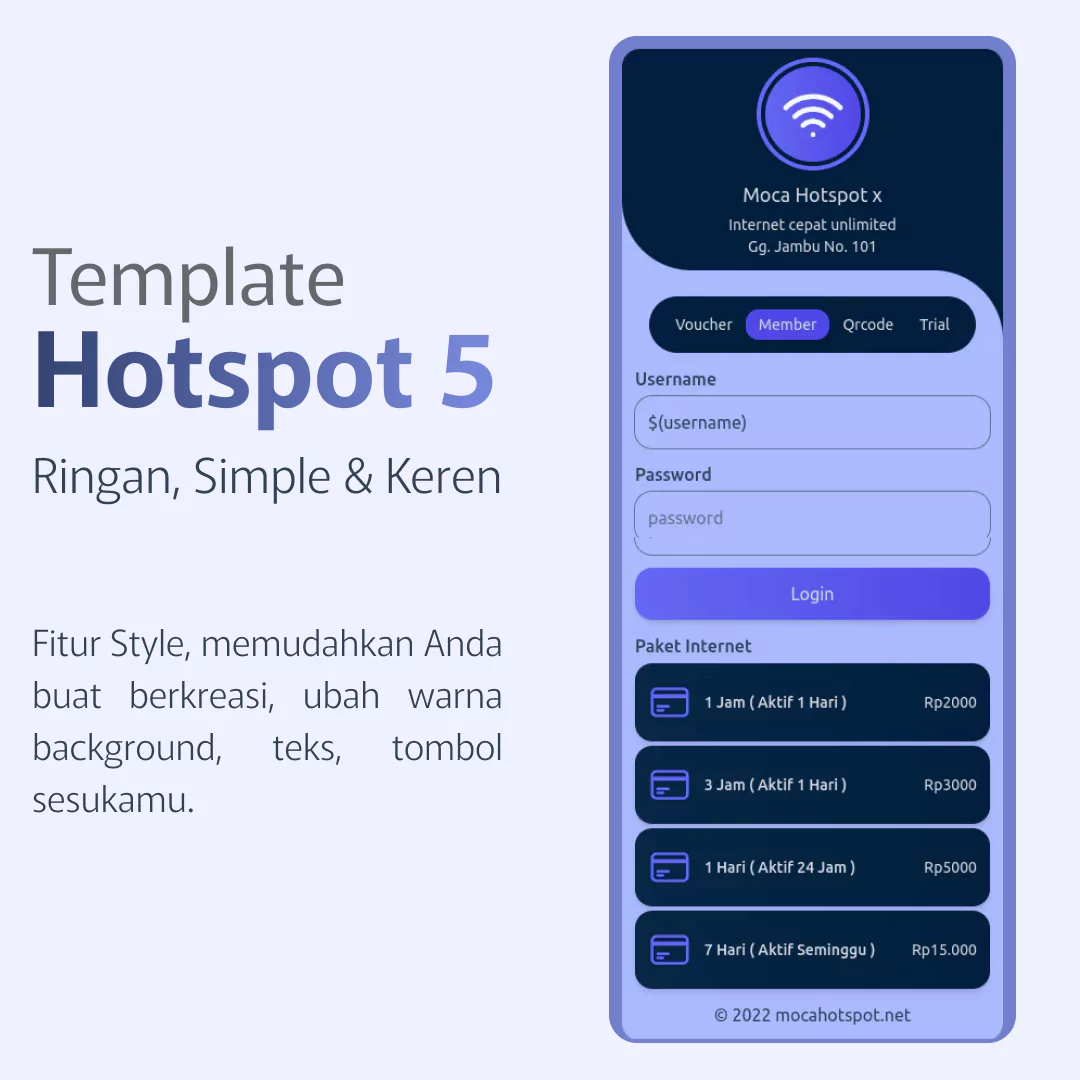
Login Page 04
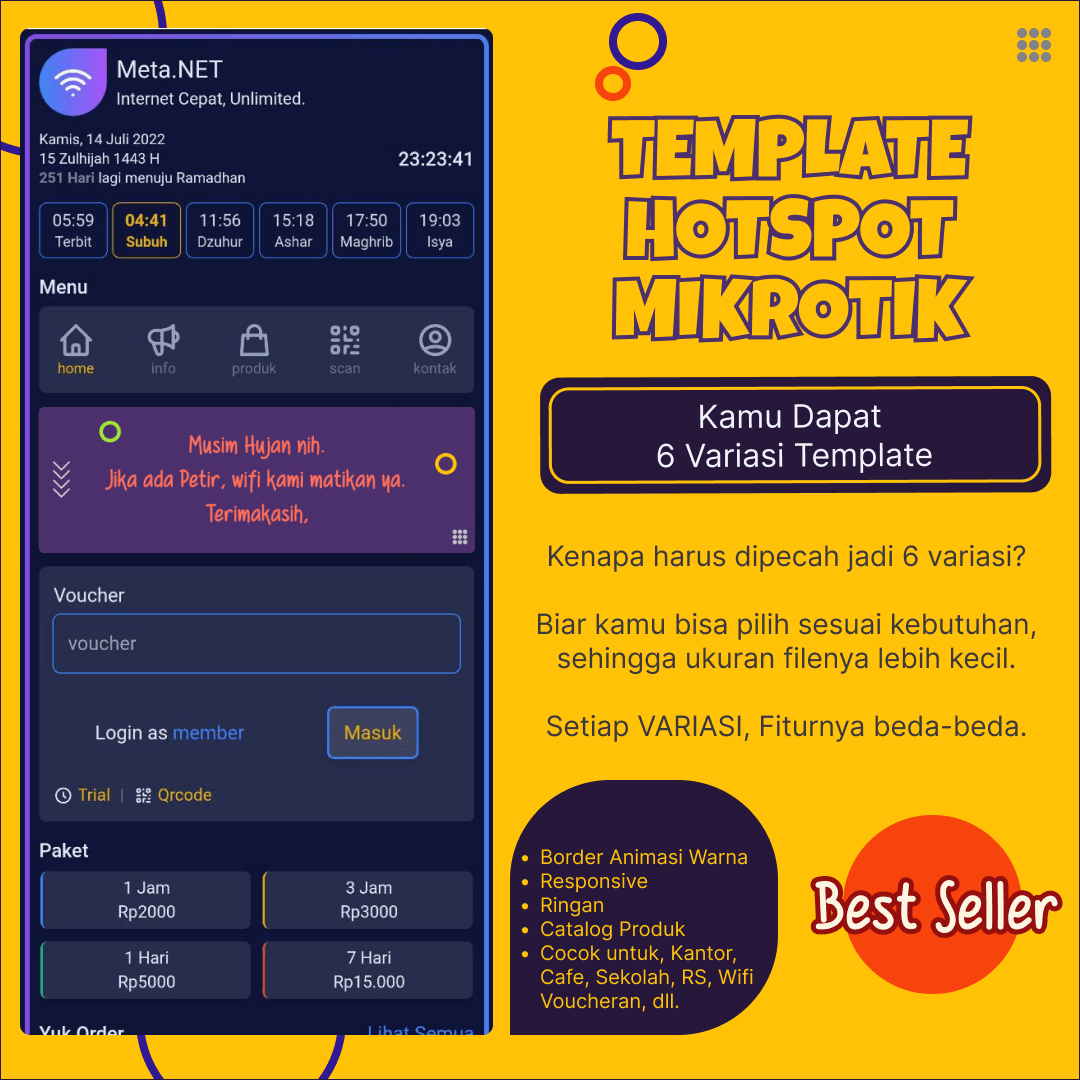
Login Page 03
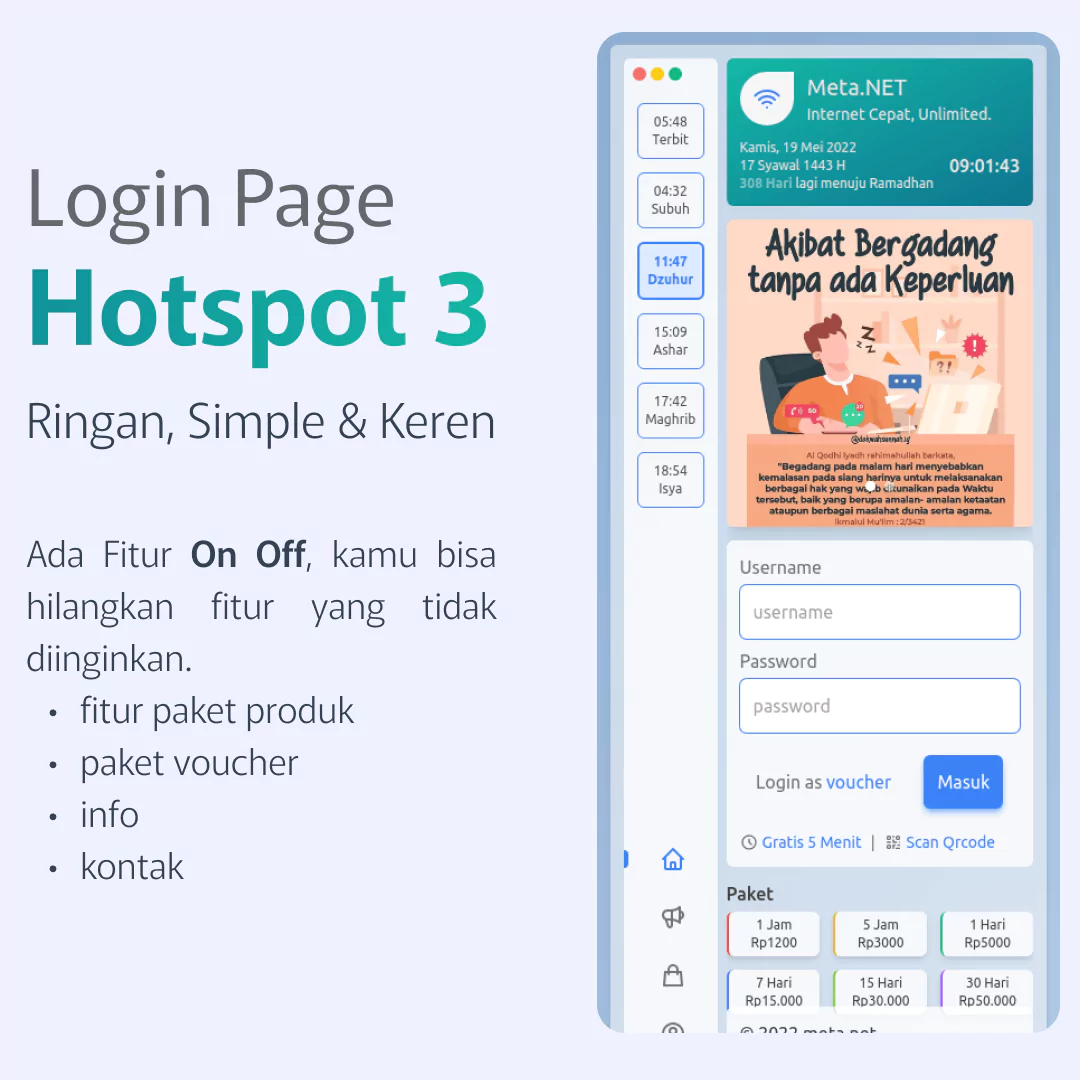
Login Page 02
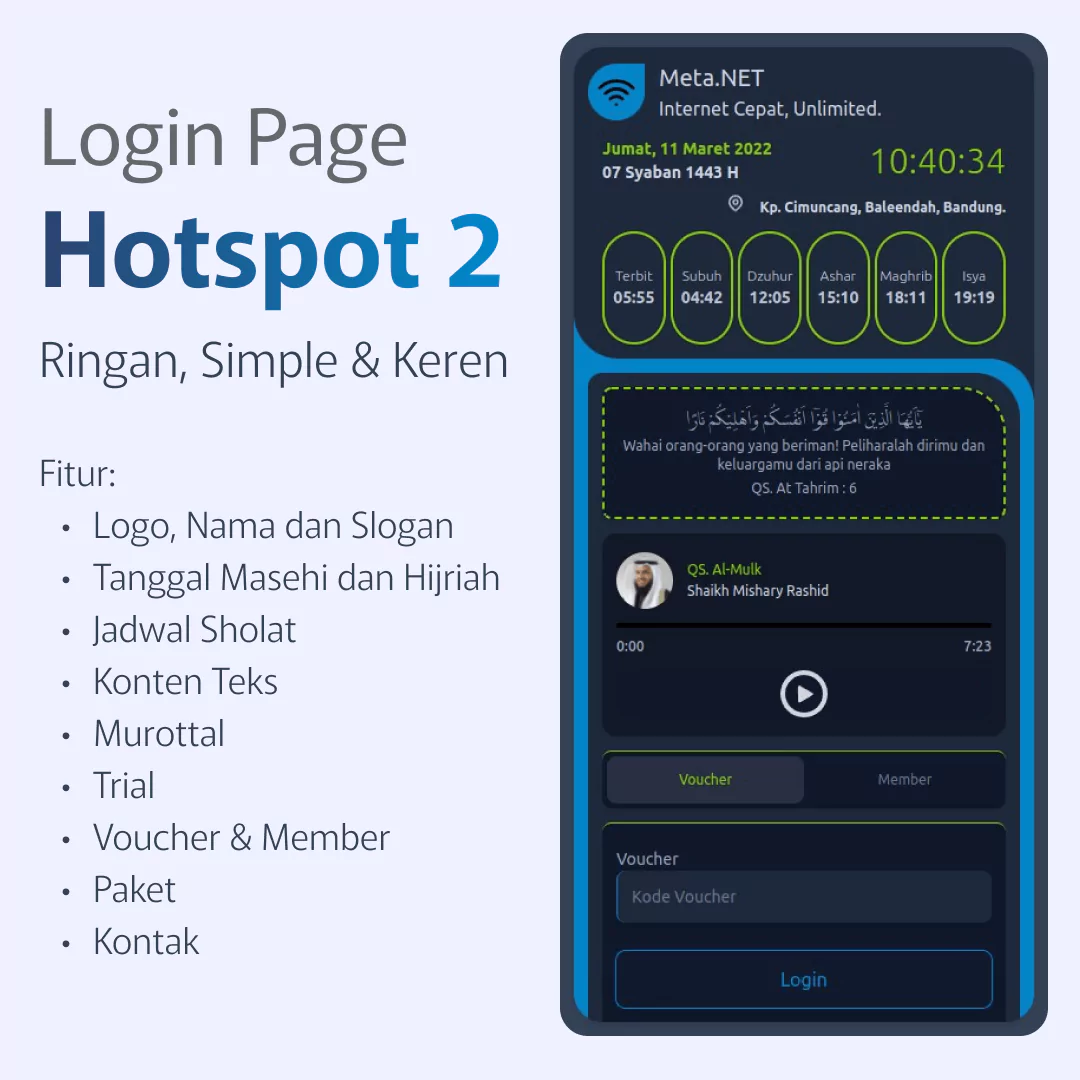
Login Page 01
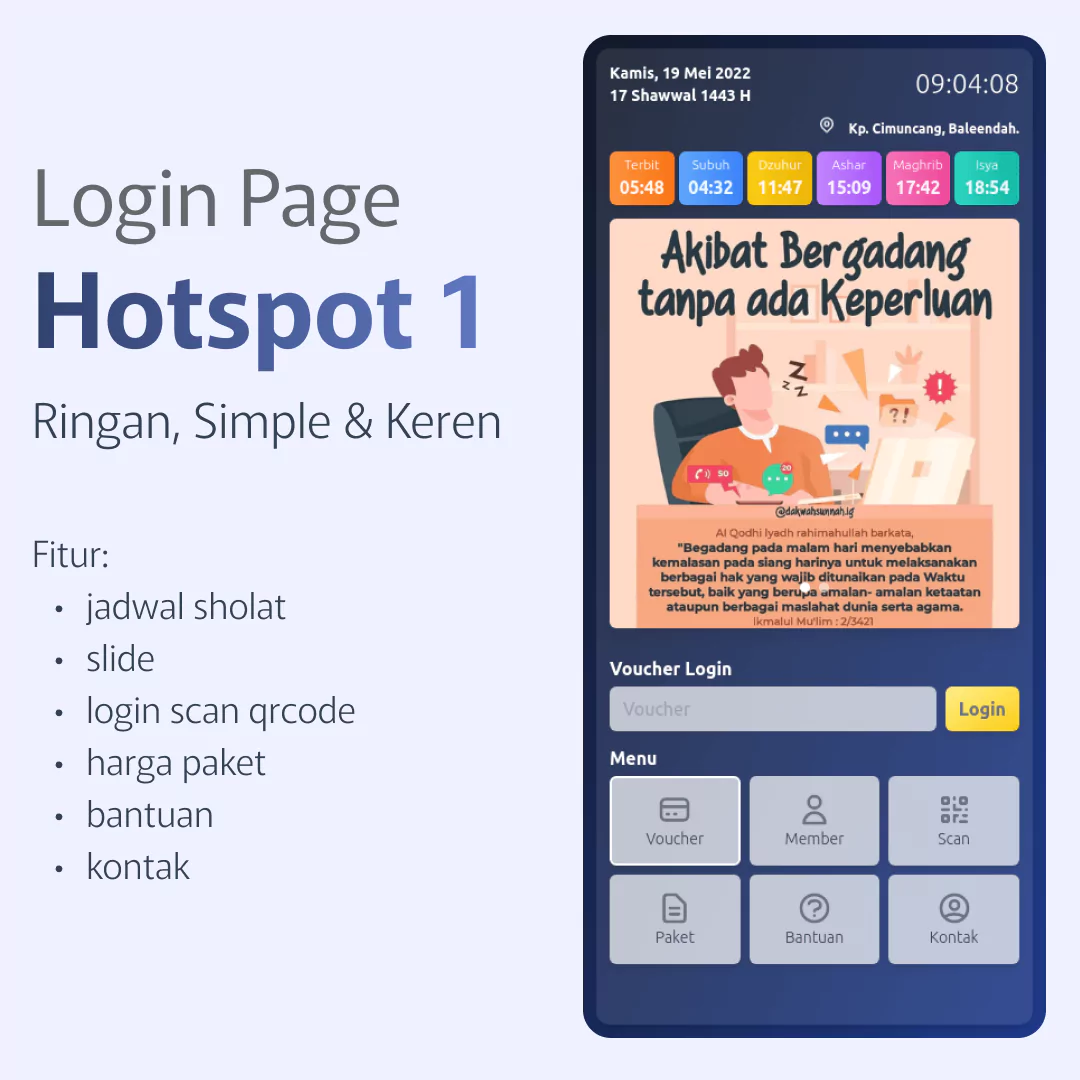
By choosing the right MikroTik hotspot template, you can elevate your login experience efficiently. This creates a lasting professional impression for your users and gives you a competitive edge.
To explore the full range of templates and purchasing options, visit our official store.
FAQ – MikroTik Hotspot Login Page
Is there a license for these templates?
Yes. Available in "Licensed Key" and "License-Free" versions. Details provided upon purchase.
Are there monthly fees?
No. One-time payment for lifetime use.
Does it support Android?
Yes. Compatible with Android 5, 7, 10, and newer.
License limitations?
1 license per IP or DNS Name. Can be used on multiple personal routers within that same IP/DNS.
Can I share or resell the files?
No. Files are for licensed use only. Redistribution or resale without permission is strictly prohibited.
Service Resellers:
Resellers must purchase a new license for every new client they serve.
Is configuration/upload service included?
No. We sell templates only. We do not provide router setup, upload, or custom editing services.
Is there a manual?
Yes, an editing guide is included for template features only.
What is the refund policy?
Due to the digital nature of the product, no refunds or exchanges are allowed once files are sent.
Wrong IP/DNS Name entry?
Please verify before purchase; no warranty is provided for input errors.
Global & Ethical Usage
We are not responsible for usage that violates ethical standards or Sharia principles.
"Buying means Understanding"
Purchasing confirms you have read and agreed to all terms.
Tags:
mikrotik login page, captive portal template, hotspot mikrotik, responsive login page, mikrotik hotspot template, wisp login page, voucher system mikrotik, professional captive portal, custom hotspot design, free mikrotik template download, premium hotspot login.